
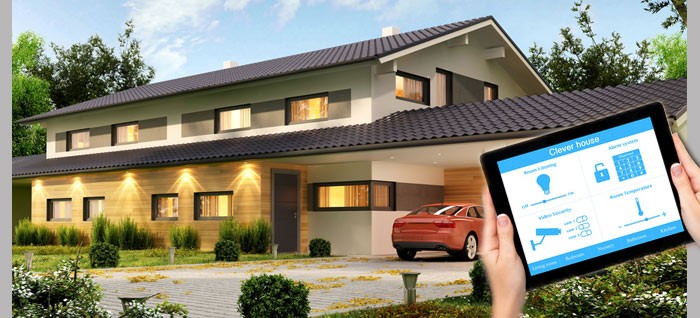
Arrive & feel at home
A suitable scene can coordinate lighting, shading and room temperature for your arrival.
PTP SMART HOME · AKILLI EV
Lighting, shading, heating and security: PTP Smart Home connects building technology with what matters in everyday life – comfort, a clear overview and straightforward control.
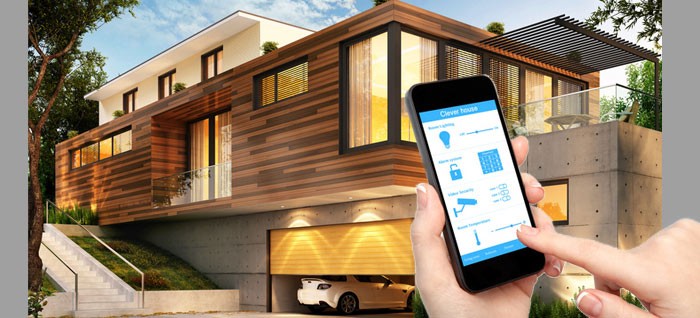
SMART HOME IN EVERYDAY LIFE
An intelligent home starts with the right questions. How do you want to live? Which routines could be easier? The answers help define a useful combination of functions.
A suitable scene can coordinate lighting, shading and room temperature for your arrival.
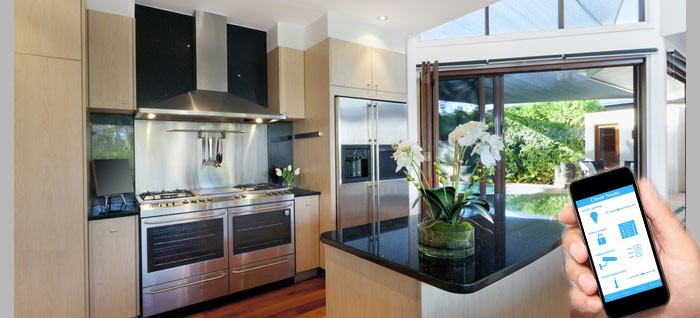
Cooking, dining or relaxing: coordinated lighting and blinds can prepare a room for different activities.
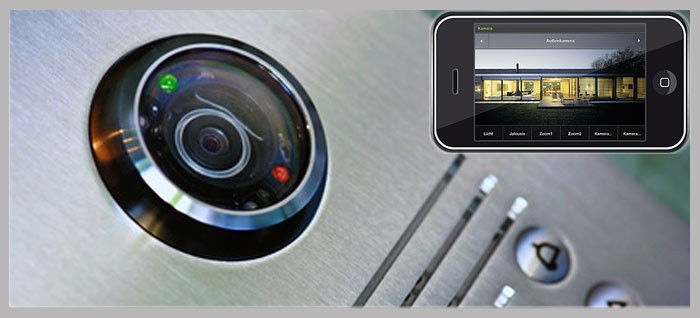
Door communication, selected notifications and visualisation make important building functions easier to access.
Illustrative applications. Available functions depend on the selected components and project design.
From a single room to a connected building: functions are selected to suit your requirements.
Switch and dim lights, control shading and combine several functions in a scene.
Consider temperature alongside room usage so heating and climate control can respond to actual needs.
Include alarm functions, door communication and presence simulation in the building concept.
Make consumption data visible and align schedules and controls with actual requirements.
Bring building functions together clearly on push buttons, touch panels or a suitable control interface.
Include music and media in several rooms when planning your connected home.
Next steps
Describe the rooms, daily routines and functions you would like.
Coordinate controls, scenes and suitable interfaces.
Put together the technology needed for your project.
Contact
Tell us which rooms and functions you are planning. For products and components, visit the HERRY24 KNX shop directly.
info@ptp-smarthome.com ↗Opens your email application.Explore KNX components and building technology in the HERRY24 shop.